1. Add one-time tasks
Write tasks you want to do once. Keep it simple and actionable.
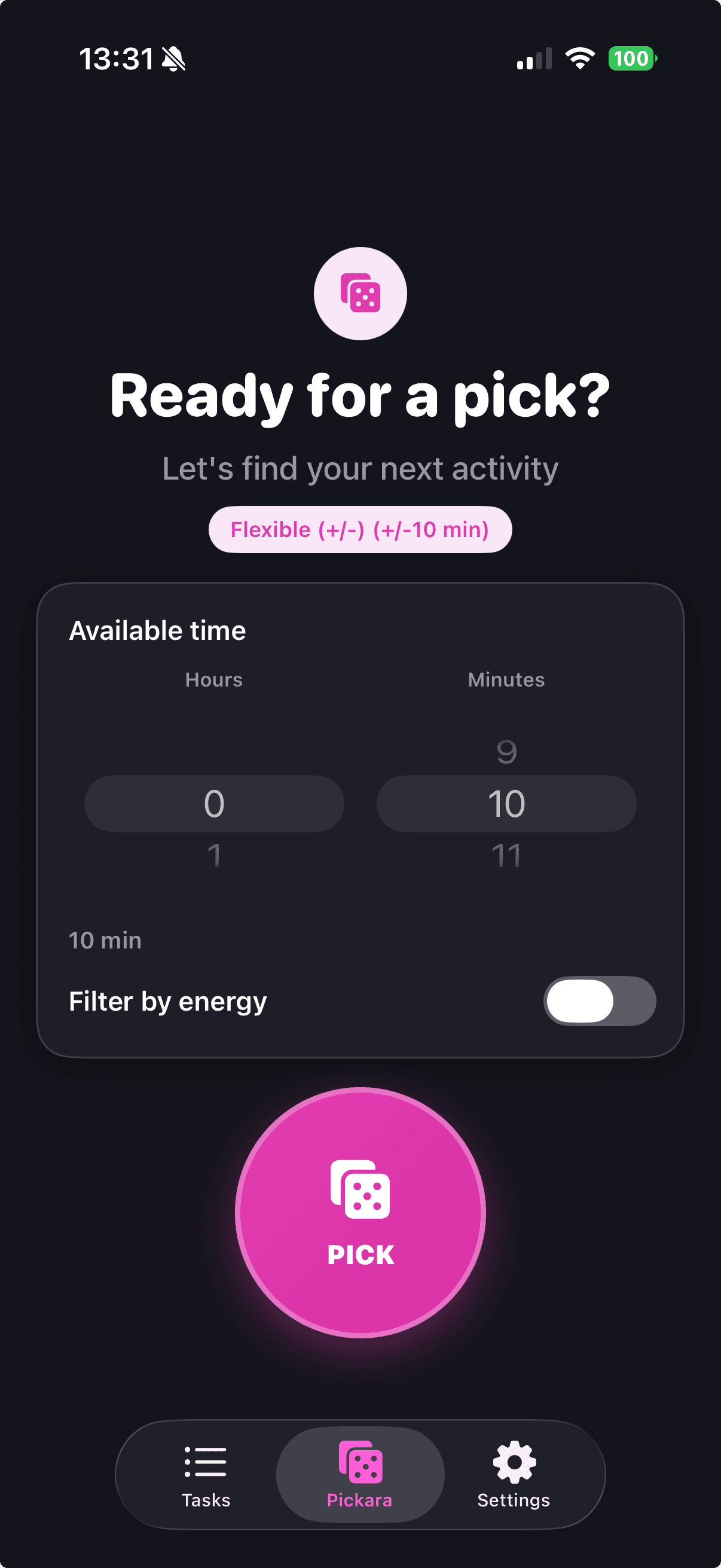
Pickara removes decision fatigue. Add one-time tasks, set your available time, and let the app choose one.

How it works
Write tasks you want to do once. Keep it simple and actionable.
Choose your available duration and optionally your energy level.
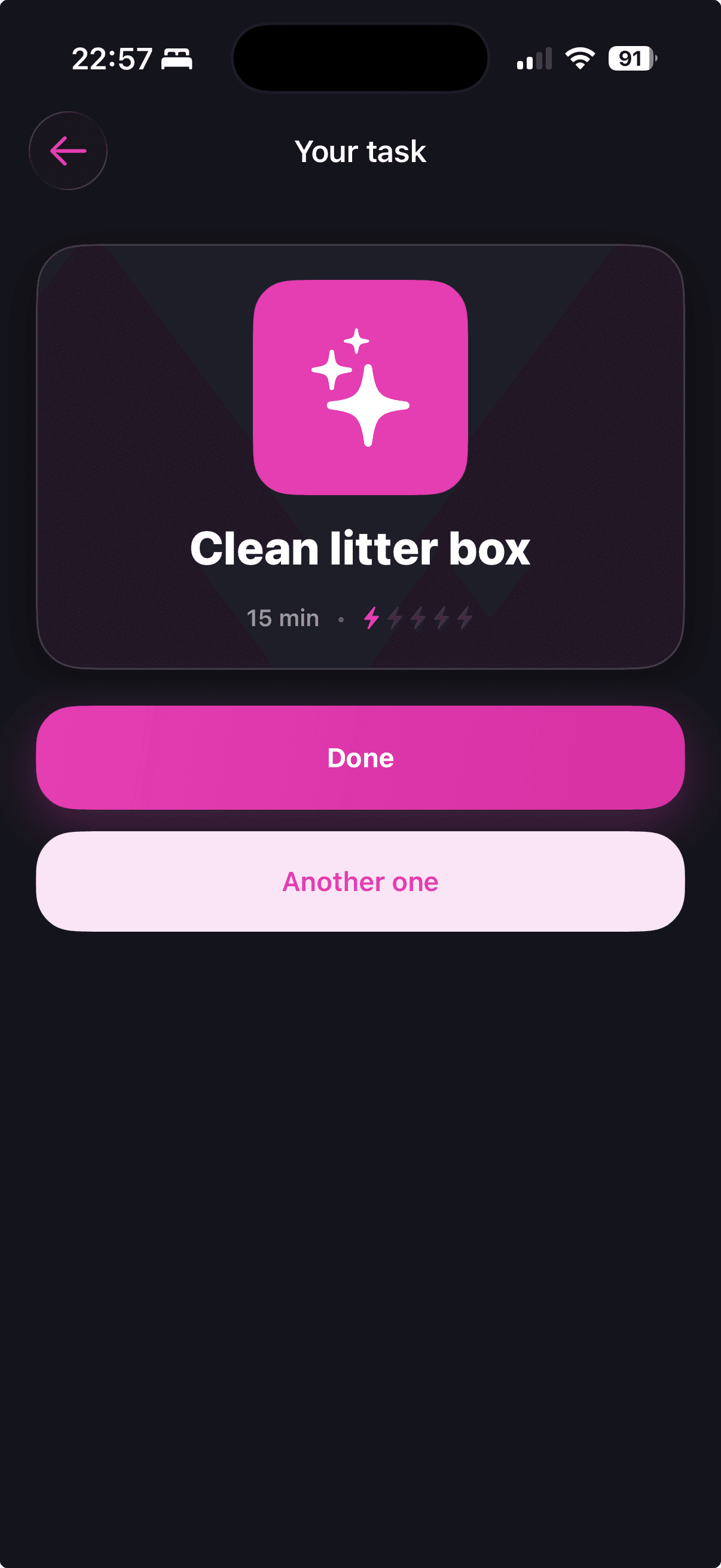
Pickara selects one match randomly. Do it, mark done, and move on.
Core features
Tasks are filtered by available time before the random pick.
Match your current energy with a simple bolt level.
When a task is done, it disappears from future picks.
No backend, no account, and no cloud sync required.
Pricing
Free
0€
Use Pickara with up to 20 tasks.
Unlimited
3,99€
One-time purchase. Unlimited tasks, unlimited picks.
FAQ
Yes. Core functionality works locally on your device.
No. Pickara does not require sign-up.
Completed tasks are excluded from future picks.
You can use up to 20 tasks. Unlimited unlocks with a one-time 3,99€ purchase.
Pickara gives you one clear next step, fast.
